
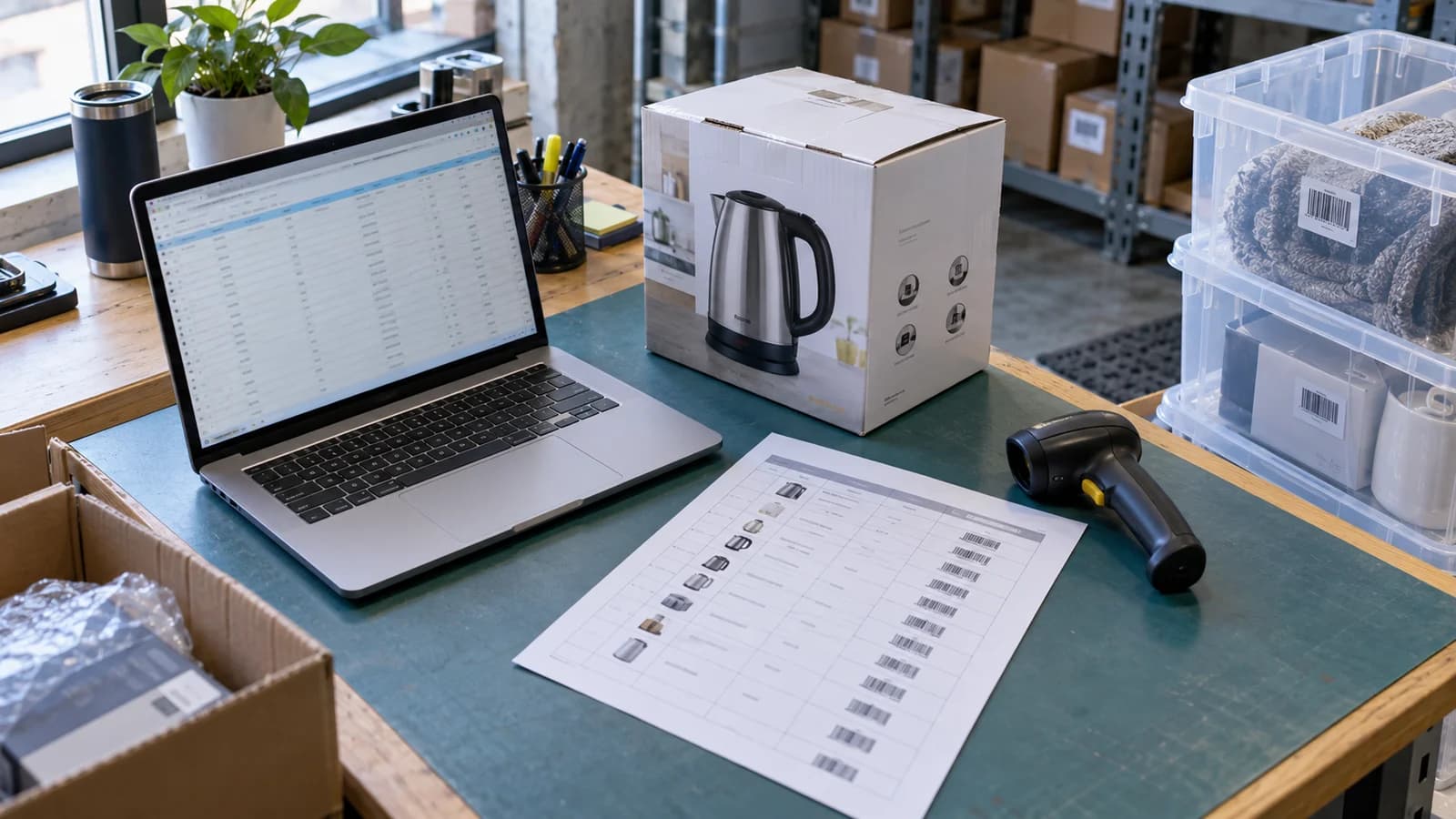
A liquidation manifest is an inventory list, not an inspection report. Reading it well means finding out what each row represents before researching prices or placing a bid.
Start with the lot identifier, product descriptions, quantities, and unit of sale. Then check product identifiers, condition, missing information, and the relationship between the spreadsheet and the auction listing. Keep anything you cannot verify marked as unknown.
That sounds simple until a file mixes individual products, multipacks, incomplete sets, and retail totals. One mistaken quantity can make an ordinary pallet look profitable. The following eight checks help you catch those problems before money changes hands.
What should a liquidation manifest contain?
Useful fields include a product description, quantity, model number, UPC, condition, and a retail reference. Files vary, and a populated column does not prove that someone inspected every unit.
B-Stock's guide to liquidation auctions describes common manifest fields and explains why buyers should also read the listing's condition, packaging, and shipping information. Treat the manifest and listing as two parts of the same review.
Create a working copy before changing the file. Preserve the original download, listing URL, lot number, download date, and any seller notes. Those records help you distinguish a mistake in your spreadsheet from a discrepancy in the stock received.
1. Confirm that the file belongs to the lot
Match the manifest filename and any internal lot number to the listing you intend to buy. Check whether the seller uploaded a replacement file or added a note after the original listing appeared.
Look for obvious inconsistencies: a furniture listing with an electronics spreadsheet, different pallet counts, or a unit total that changes between the listing and download. Stop and ask which version governs the sale rather than choosing the more attractive number.
Save the seller's answer with the listing. A verbal explanation is difficult to compare with a delivery weeks later. Written clarification also makes it easier to repeat the same buying process with another member of your team.
2. Separate rows, units, pieces, and sets
A spreadsheet row usually represents a line item. It does not necessarily represent one physical product or one saleable package.
Consider this fictional manifest:
- Storage bin: quantity 6, retail reference $25 each, extended retail $150.
- Handheld vacuum: quantity 4, retail reference $80 each, extended retail $320.
- Electric kettle: quantity 2, retail reference $45 each, extended retail $90.
- Six-piece cookware set: quantity 1, retail reference $240 per set, extended retail $240.
The file contains four rows and 13 listed selling units. Its stated retail total is $800. The cookware row represents one set, not six complete sets you can sell separately at $240 each.
Ask what quantity means whenever the description includes words such as case, pack, pair, bundle, or set. Do not multiply quantity by the number of pieces unless you have confirmed both the contents and your intended selling unit.
3. Verify product identity before looking up prices
Brand names are not enough. Similar products can have different capacities, generations, sizes, or included accessories. Researching the wrong version produces a precise-looking answer to the wrong question.
Check the description against the model number and UPC. If they disagree, flag the row for review. Do not automatically prefer whichever identifier produces the higher price.
Useful identity checks include:
- Model suffixes that identify different versions.
- Storage capacity, dimensions, color, or size where these affect the offer.
- Whether the identifier refers to a complete product or an accessory.
- Whether the row describes one unit or a bundled package.
- Whether the same identifier appears with conflicting descriptions.
Keep identifiers as text in your spreadsheet. A seller SKU such as 00142 loses information when software converts it to the number 142. Long numeric identifiers can also be displayed in scientific notation. Check the saved export, not just the cells on screen.
4. Read condition as separate facts
Returns, overstock, open box, and salvage describe different buying situations. None replaces the specific seller's definition or an inspection record.
Create separate notes for testing, cosmetic wear, accessories, and packaging. An item can have a damaged box but no visible product damage. Another can look clean while its function remains unknown.
If the manifest has no condition column, check the lot description. If the lot contains mixed conditions without row-level detail, record that limitation rather than assigning every product the best condition shown in a photograph.
Our guide to liquidation pallet condition grades explains how to compare these descriptions. The important habit is keeping unknown function separate from confirmed failure, and keeping both separate from cosmetic damage.
5. Reconcile quantity and retail arithmetic
Sum the quantity column and compare it with the listing total. Then check whether each extended retail value equals quantity multiplied by the stated unit reference.
In the fictional example above, four vacuums at $80 should produce $320 in extended retail. If the row says $80 in both columns, ask whether the second column is mislabeled or the quantity has already been accounted for elsewhere.
Watch for subtotal rows inside the data. Adding them again can double-count whole sections. Hidden rows, filters, and merged cells can also make a file look smaller than it is.
Correct arithmetic does not validate the underlying prices. Retail is still a reference, not expected cash from resale. Once the file reconciles, read why manifest retail value differs from resale value before using its headline total as a buying signal.
6. Flag missing fields without inventing answers
A blank quantity, unknown model, or missing condition needs a decision. Filling every blank with a convenient default hides the uncertainty you need to evaluate.
Use a short review status for each problem:
- Ready to research: identity and selling unit are clear.
- Seller clarification needed: the listing does not resolve a material question.
- Inspection needed: the question concerns physical condition or completeness.
- Unsupported for bidding: there is not enough information to count a resale value.
Blank does not mean zero, and unknown does not mean working. You may assign zero supported value in a conservative bid calculation, but keep that choice separate from the original manifest data.
Prioritize unclear rows that could change your decision. Resolving one expensive model mismatch can matter more than cleaning twenty minor punctuation errors.
7. Compare the manifest with photos and seller notes
Look for evidence that the photographs show the actual lot. A product image can explain what an item looks like without proving that the pictured unit is included or complete.
Match visible model labels, packaging, and pallet counts where possible. If a photo shows loose accessories while the manifest describes complete products, ask how completeness was determined.
Do not infer a working percentage from a small visible sample. The top layer of a wrapped pallet cannot establish the condition of everything underneath it.
Record any limits on inspection, quantity tolerances, substitutions, or claims in the specific sale terms. Those terms determine what the seller promises; your spreadsheet cannot expand that promise. For supplier questions beyond the file itself, use our liquidation buying checklist.
8. Prepare a clean analysis copy
Keep one header row and one consistent record per line item. Give columns clear names. Remove decorative title rows and copied totals from the analysis copy while retaining them in the original.
Do not automatically delete repeated UPCs. Two rows can describe the same product in different conditions, packages, or locations. Merge only when the records genuinely represent the same item group and you can preserve the combined quantity correctly.
Before exporting a CSV, check delimiters, currency symbols, and decimal conventions. Open the exported file again and compare a few rows with the original. Confirm that descriptions, identifiers, and quantities survived the conversion.
An analysis tool can help organize the research. It cannot recover a missing inspection or turn an ambiguous row into verified stock. Review uncertain matches before relying on a report total.
A fifteen-minute first-pass workflow
Use this as a starting routine, not a promise that every file can be reviewed in fifteen minutes. Large or inconsistent manifests need more time.
- Save the original manifest and listing details.
- Confirm the lot number and file version.
- Count rows and total the stated quantities.
- Inspect the highest-value and most ambiguous product groups.
- Separate clear rows from questions requiring seller clarification.
- Check condition and completeness information outside the spreadsheet.
- Prepare a clean copy and research supported product matches.
- Decide whether the remaining uncertainty permits a bid at all.
Set a stopping rule before you start. For example, you might refuse a lot whose largest value-bearing rows have no usable identifiers. That is a buying policy, not a claim that every unidentified product is worthless.
Common questions about pallet manifests
Is a manifested pallet guaranteed to contain every listed item?
The word manifested means a list is provided. It does not, by itself, define a quantity guarantee or dispute remedy. Read the seller's specific terms and ask about tolerances before purchasing. Keep the original file for comparison at receipt.
Can I analyze a manifest without UPCs?
Sometimes a detailed description and exact model number provide enough information to research an item. Broad descriptions such as "small appliance" usually do not. Treat missing identifiers as a research limitation, not an invitation to choose a similar expensive product.
Should I remove duplicate products?
Not automatically. Repeated products may represent separate quantities or different conditions. Check why the rows repeat before combining them. Never deduplicate solely by product name and accidentally remove inventory from the count.
What should I do after the manifest is clean?
Research condition-matched prices, separate sold evidence from estimates, and account for inventory you cannot support with a price. Then calculate a buying limit after costs. Our liquidation pallet max-bid guide walks through that next decision with a worked example.
Turn a readable file into a defensible decision
A useful manifest review ends with three things: inventory you understand, questions you have resolved, and uncertainty you have not hidden. That is more valuable than a spreadsheet with every cell filled.
Sign in to PalletWorth to review a manifest, or create an account to get started. Keep the source file alongside your analysis and inspect the evidence behind important prices. A report should help you decide when to pass as well as when to bid.
By PalletWorth. The cover is an AI-generated editorial illustration, not a photograph of customer inventory. The four-row manifest is a fictional teaching example, not a supplier offer or a verified resale result.